Letras Pequeñas: Small Text Converter to Copy and Paste (Guía 2026)
Letras pequeñas (small letters) are the tiny text you see in bios and names like ᴍᴀʀɪᴀ or ʰᵒˡᵃ. They make a name look clean and minimal, or add a little whisper of text next to something bigger. This guide gives you a small text converter, explains the three kinds of small letters, and shows which letters (and which Spanish characters) are missing from each.
Want every style at once? Use our main conversor de letras.
Letras Pequeñas Converter
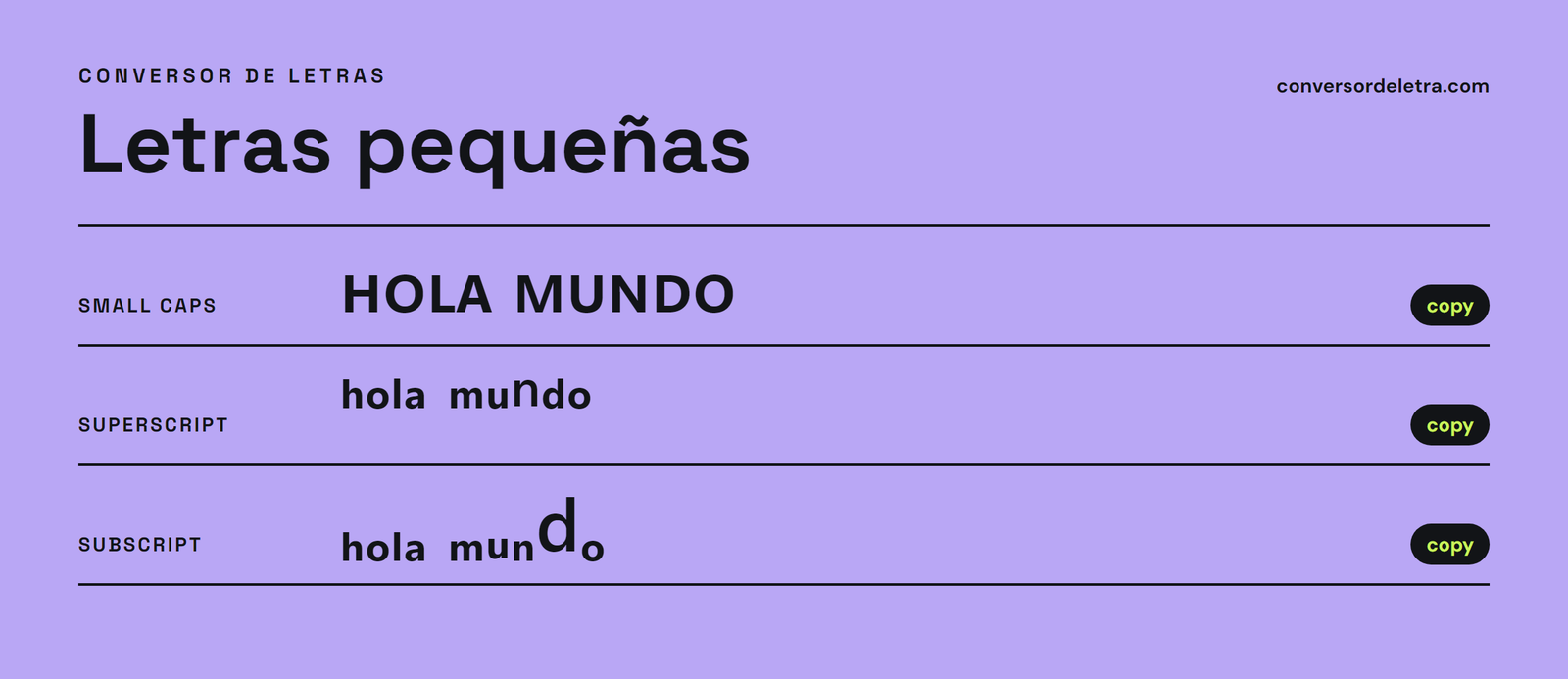
Type your text and copy the style you want. These are real Unicode characters, not a font, so they paste as text anywhere that supports them.
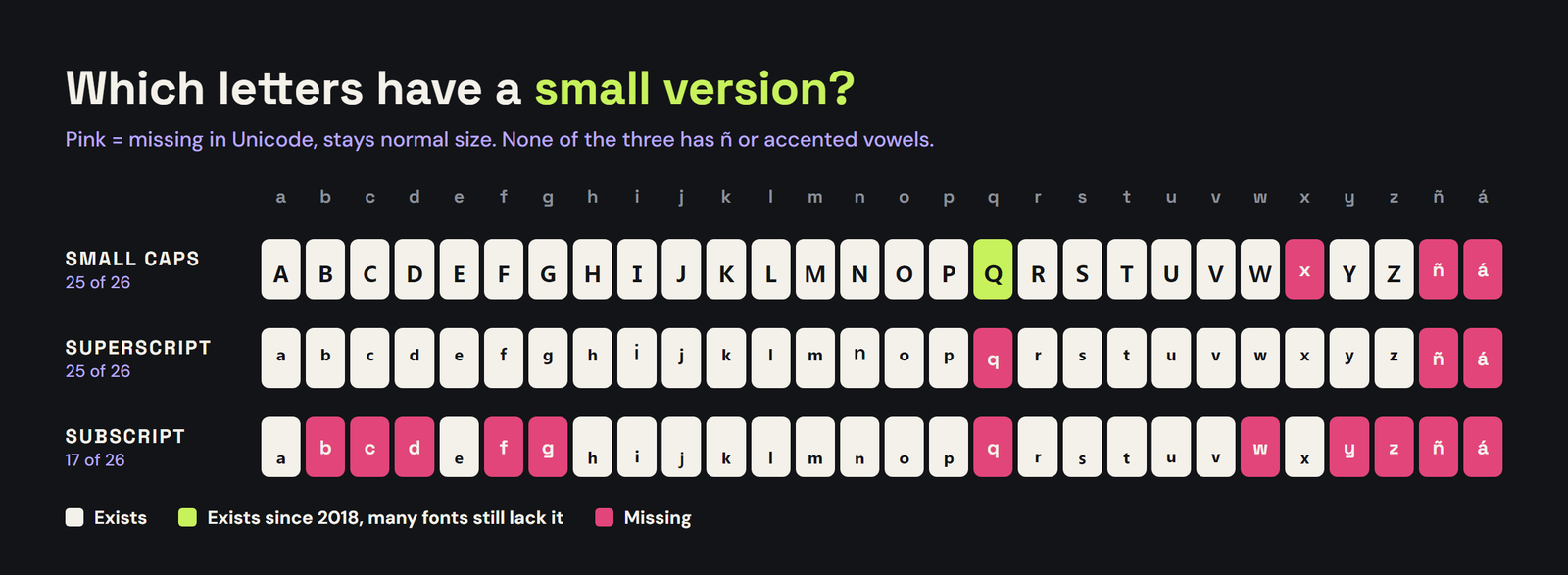
Letters with no small version stay normal size. Small caps has no x; superscript has no q; subscript only covers 17 letters. Ñ and accents have no small versions: small caps adds the mark on top, the others keep them plain.
The 3 Kinds of Small Letters
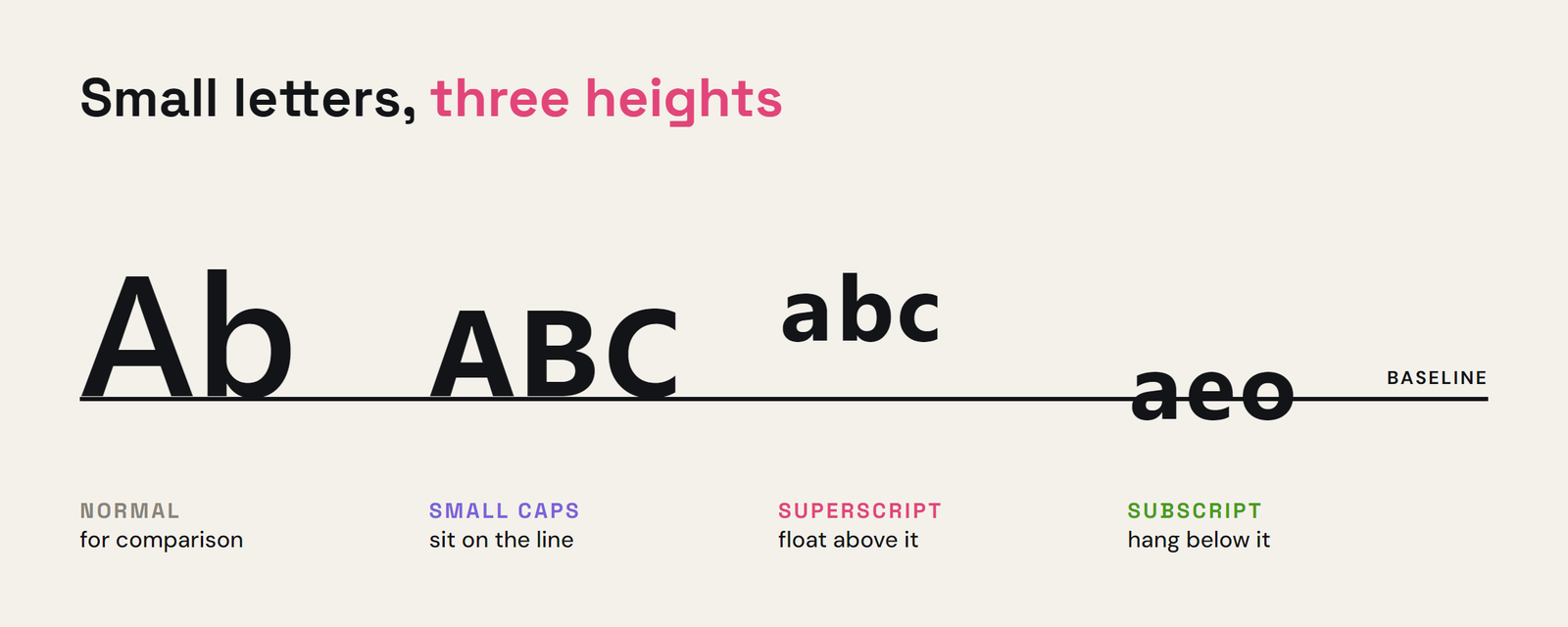
"Small letters" online can mean three different sets of Unicode characters. They look similar at a glance but sit in different places on the line and cover different letters:
| Style | Example | Where it sits | Missing letters |
|---|---|---|---|
| Small caps | ᴘᴇꞯᴜᴇɴ̃ᴀ | On the line, capital shape at lowercase height | x (and q is a newer character) |
| Superscript | ʰᵒˡᵃ | Raised, like an exponent | q |
| Subscript | ₕₒₗₐ | Lowered, like in H₂O | b c d f g q w y z |
Small caps
Small caps (ᴛᴇxᴛᴏ) are capital-shaped letters at lowercase height. They're the most readable of the three and the best choice for a whole name or short phrase. Unicode has them because phonetic alphabets use them, which is also why the set has gaps: there is no small-cap x at all, and the small-cap q (ꞯ) was only added in 2018, so older phones may show it as a box.
Superscript
Superscript letters (ᵗᵉˣᵗᵒ) float above the line. They're perfect for a tiny tag next to a bigger word, like a name followed by ˢᵗᵘᵈⁱᵒ or ᵒᶠᶠⁱᶜⁱᵃˡ. The set covers every letter except q, plus the numbers 0 to 9.
Subscript
Subscript letters hang below the line, like the 2 in H₂O. This is the patchiest set: only 17 letters exist (a, e, h, i, j, k, l, m, n, o, p, r, s, t, u, v, x), plus 0 to 9. Most words end up half small, half normal, so subscript works best for numbers or short words that happen to use those letters.
The Ñ and Accent Problem
Like every fancy text style, small letters were built for the 26 basic letters. There is no small-cap ñ, no superscript á and no subscript é. So "Begoña" or "José" won't fully shrink.
Our converter handles it two ways:
- Small caps with the mark on top: it writes the small-cap n and adds a combining tilde (ɴ̃). This looks right on most modern phones, but some apps draw the tilde slightly off.
- Plain ñ: it leaves ñ and accented vowels as normal letters. Less uniform, but it always displays.
For superscript and subscript, the converter keeps ñ and accents plain, because a floating accent on a tiny raised letter usually looks broken.
Where You Can Use Small Letters
- Instagram: display name and bio. Small caps make a clean, aesthetic bio. See our letras para Instagram guide.
- TikTok: nickname and bio. More in fuentes para TikTok.
- Discord: nicknames, server and channel names. See letras para Discord.
- WhatsApp: your "about" and group names. See letras para WhatsApp.
- Games: some games accept them in display names, many don't. Our letras para Roblox guide explains why.
Usernames (the @handle) almost always allow only plain letters, numbers and a few symbols, so use small letters in the display name and bio instead.
Style Ideas
- ᴍᴀʀɪᴀ ˚₊‧ ᴀʀᴛ ‧₊˚
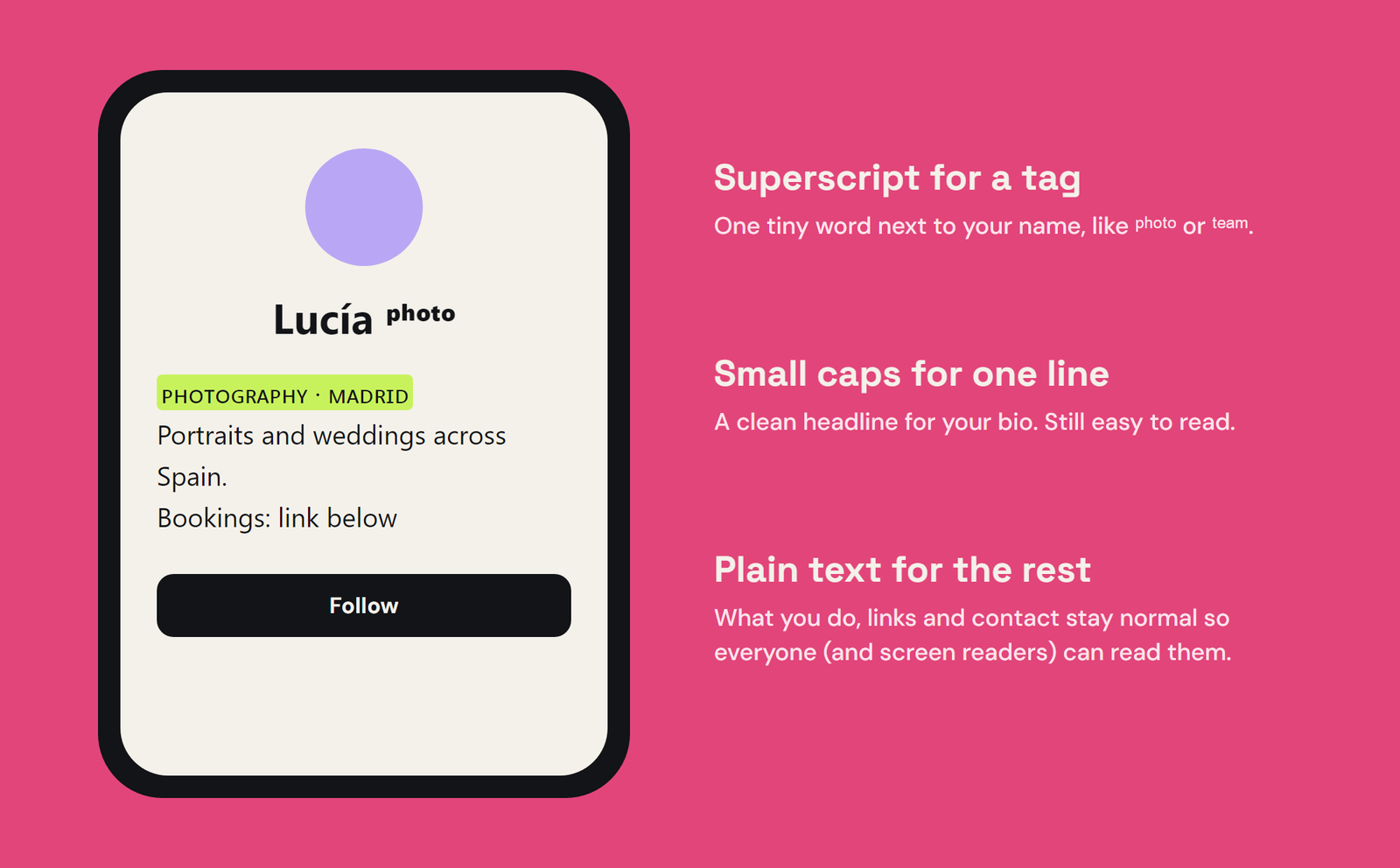
- Lucía ˢᵗᵘᵈⁱᵒ
- ᴄᴀꜰᴇ́ ʏ ʟɪʙʀᴏꜱ
- Carlos ᵒᶠᶠⁱᶜⁱᵃˡ
- ᴍᴀᴅʀɪᴅ · ʙᴀʀᴄᴇʟᴏɴᴀ
- H₂O ᴠɪʙᴇs
Readability and Accessibility
Small caps are easy to read. Superscript and subscript are not: at phone size they can be hard to make out, so keep them to a word or two. Screen readers may read these characters out strangely or skip them, so keep important info (what you do, links, contact) in normal text.
Preguntas frecuentes
How do I write in small letters?
Type your text in the converter above and copy the small caps, superscript or subscript style. They're Unicode characters, so they paste into Instagram, TikTok, Discord, WhatsApp and most apps.
Why do some letters stay big?
Unicode doesn't have a small version of every letter. Small caps has no x, superscript has no q, and subscript only has 17 letters, so the missing ones stay normal size.
Why doesn't ñ turn small?
There is no small-cap, superscript or subscript ñ in Unicode. The converter either adds a combining tilde on top of a small-cap n or leaves the ñ plain.
Why do I see a box instead of a letter?
The device reading your text doesn't have a font with that character. It happens most with the newer small-cap q (ꞯ) on older phones. Try the plain version or a different word.
Conclusión
Small letters are the quiet option in fancy text: small caps for a clean name, superscript for a tiny tag, subscript for numbers. Use the converter above, check how ñ and accents look where you paste, and keep the important stuff in normal text. For bolder styles, try letras góticas or the full conversor de letras.